Card Slinger
A free card dealer for game night
Card Slinger shuffles a standard 52-card deck and deals one card at a time, big enough for the whole room to see. It runs in your web browser on a laptop, with an optional second window for a TV or projector. There's nothing to install and no account to create.
Made for Show Me The Money
I built Card Slinger for a card game we play at my American Legion Post called Show Me The Money. Each player gets a sheet with three random playing cards. The caller deals cards one at a time until someone has all three cards on one sheet and calls out "Show Me The Money!" Card Slinger works for any game where a caller deals cards one at a time.
How a game night works
- Open card-slinger.com on the laptop that runs the game.
- Press B to open the board on your TV or projector, then click it once to go full screen.
- Press Space to deal, or use the forward button on a wireless presentation remote. Each card flips up large, and earlier cards line up by suit so players can check their sheets.
- When someone wins, press W for the winner screen, then Space to shuffle a fresh deck for the next round.
Features
- A freshly shuffled 52-card deck every round
- Second-screen board for a TV or projector, with buttons and settings kept on your laptop
- Called cards sorted by suit, with a running count
- Winner celebration and round counter
- Undo for a misdealt card
- Your game name, logo and winner message on screen
- Built-in card backs and tables, or upload your own, and rotate decks each round
- Keyboard shortcuts and presentation clicker support
Frequently asked questions
Is Card Slinger free?
Yes. It's free to use, with no ads, no account and nothing to download.
Do I need to create an account?
No. Open the site and start dealing. Your settings are saved in your browser.
Can other people see my card backs, logos or settings?
No. Everything you add is saved only in the web browser on your own computer. Nothing is uploaded to a server, so other people using Card Slinger can't see it. Anyone who uses the same computer and browser will see your settings, though.
How do I show the cards on a TV or projector?
Connect your laptop to the TV as a second screen (extended, not mirrored), then press B or click Second screen. In Chrome or Edge, allow window management the first time and the board opens on the TV by itself. Click the board once to go full screen.
Can I use a presentation remote to deal cards?
Yes. Most wireless presentation remotes (clickers) work with Card Slinger. Plug the remote's receiver into the laptop that runs the game, then press the forward or next button to deal the next card and the back button to take back the last one. If your remote has a blank-screen button, skip it during the game - it sends the B key, which opens or closes the second screen.
Is the shuffle random?
Yes. Every round uses your browser's built-in secure random number generator for a fair shuffle of all 52 cards.
Will my settings be saved?
Yes, in the web browser on that computer. If you clear your browser's cache and site data, your settings and uploaded card backs, tables and logos are removed and Card Slinger starts fresh. Using a different computer or browser also starts fresh.
Can I use my own logo and card backs?
Yes. Admin lets you add your own card backs, table backgrounds, emblem logos, game name and winner message.
What games can I use it with?
Any game where a caller deals or draws playing cards one at a time.
More apps from CMR Web Development
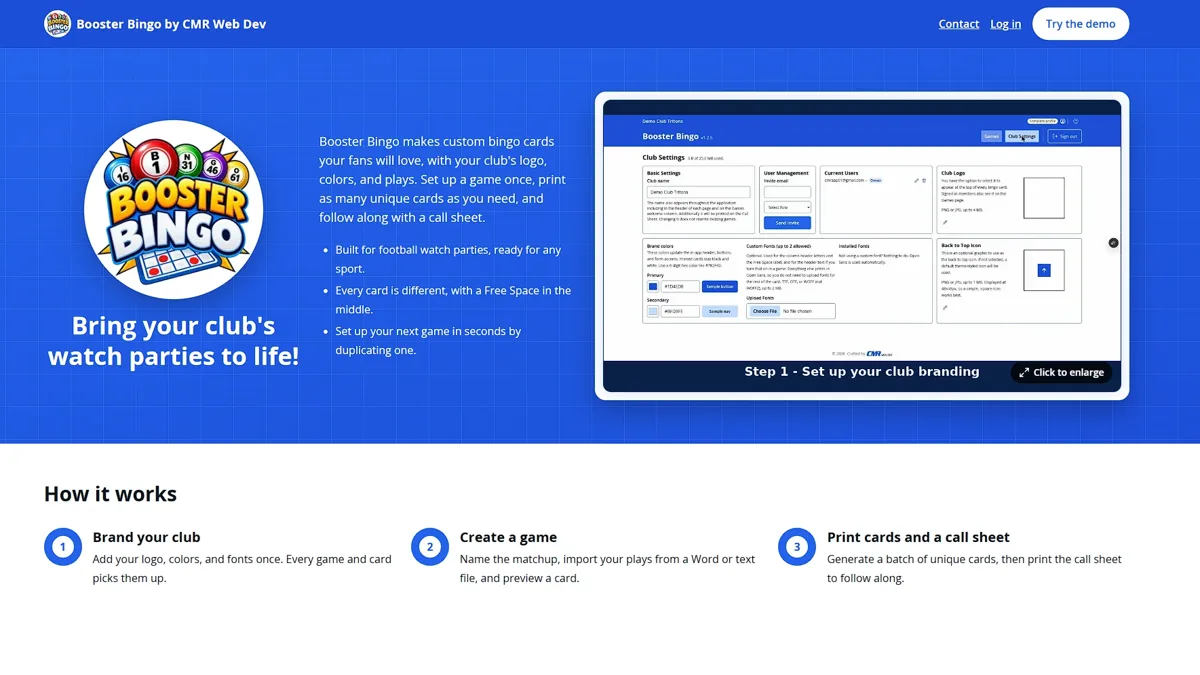
Booster Bingo
Branded bingo cards for sports booster clubs and fan groups. Your club's logo and colors, unique cards for every fan, and a call sheet for the host.
Visit Booster BingoBuilt by CMR Web Development
Card Slinger is built and maintained by CMR Web Development, my web development business serving Southwest Florida and beyond. I build custom websites and web apps for small businesses and nonprofits. Visit cmrweb.dev